Plan Your Trip
Internet & SIM Cards in Rishikesh
Getting a local SIM, finding fast Wi-Fi, and staying online for travel or work — plus what actually holds up in the hills.
Quick answer
Buy a prepaid Jio or Airtel SIM for the best coverage in Rishikesh and the hills around it. Bring your passport, e-Visa printout and a passport photo; a month with generous daily data costs roughly ₹300–700, though tourist activation can take a few hours to a day. Wi-Fi is everywhere in cafes, hotels and many ashrams but slows during the frequent power cuts, so a local SIM is your most reliable connection. If your phone supports it, an eSIM gets you online instantly with no shop visit.
Connectivity in Rishikesh: what to expect
Rishikesh is far more connected than its serene, spiritual image suggests. The main hubs — Tapovan, Laxman Jhula and Ram Jhula — have solid 4G, dozens of Wi-Fi cafes, and a steady community of remote workers and long-stay travellers who depend on being online. Messaging home, booking onward travel and doing everyday work are all easy here.
What it is not is a big-city connection. In the narrow valleys and on the far bank the signal thins out, internet speeds are modest rather than blazing, and short power cuts regularly knock Wi-Fi offline. The single smartest move is to carry a local SIM loaded with data so you always have a 4G fallback in your pocket. This guide walks through exactly how to get one, which network to choose, where to find reliable Wi-Fi, and how to set yourself up if you are coming to work remotely or for a longer workation.
Your options at a glance
| Option | Best for | Typical cost |
|---|---|---|
| Local prepaid SIM (Jio/Airtel) | Almost everyone — the reliable default | ₹300–700 / month with data |
| eSIM (local or travel) | Modern phones; instant, no shop visit | ₹700–2,500 depending on plan |
| Cafe / hotel Wi-Fi | Browsing, calls, light work | Free with a purchase or stay |
| Coworking space | Serious remote work and big calls | ₹200–500 / day or monthly passes |
| International roaming | Very short trips only | Expensive — avoid for longer stays |
For nearly anyone staying more than a couple of days, a local SIM or eSIM wins on cost and reliability. The sections below break each down.
Getting an Indian SIM card
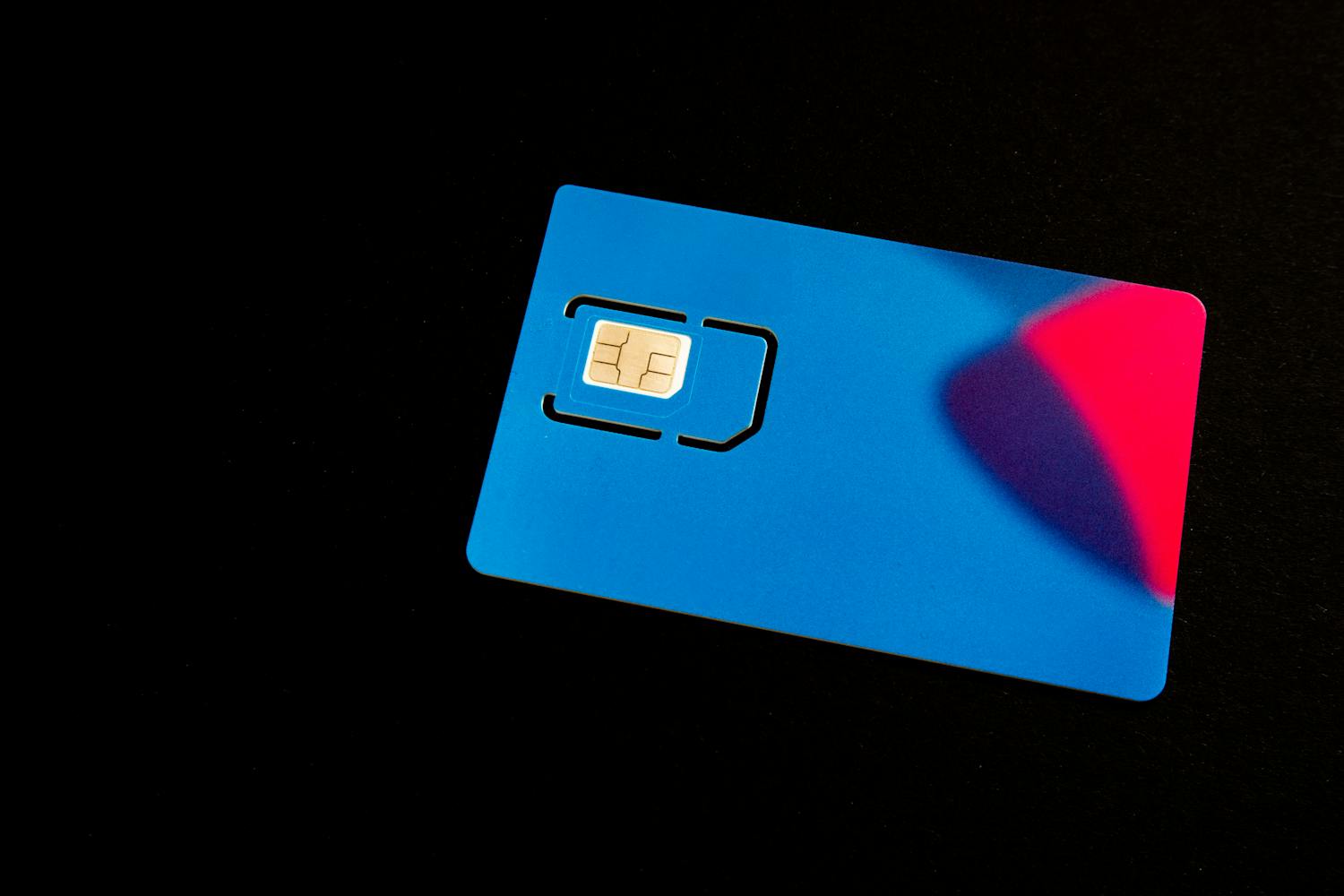
A local prepaid SIM is the backbone of staying connected here. Indian mobile data is among the cheapest in the world, so for the price of a coffee back home you get a month of generous high-speed data. The process is simple but involves paperwork, because every SIM in India must be linked to a verified identity — a security rule set by the Department of Telecommunications (dot.gov.in) and overseen by the sector regulator, the Telecom Regulatory Authority of India (TRAI).
Which network should you choose?
Three networks matter in Rishikesh, and coverage — not price — should drive your choice, because the hills create dead spots:
- Jio — the widest 4G coverage in town and the surrounding hills, fast and very cheap. The safest default for most travellers.
- Airtel — excellent reliability and often the best call quality, with strong coverage in the main areas; a close second that many prefer.
- Vi (Vodafone Idea) — fine in the town centre but weaker once you head into the valleys or upstream, so less ideal if you plan to roam.
If you will spend time trekking, visiting Neelkanth, or staying at upstream rafting camps, Jio or Airtel are the clear picks. Some long-stay travellers carry both so they always have a signal.
What you need to buy a SIM
Bring the documents below to any official store. As a foreign tourist you must show your passport and visa, so keep your e-Visa printout handy — staff routinely log your visa details during the registration that the rules require.
- Your passport (original) plus a photocopy
- Your visa / e-Visa printout
- One or two passport-size photos
- A local address — your hotel or ashram name is fine
- Patience: activation for foreigners can take from a couple of hours up to 24 hours
Where to buy and what it costs
Buy from an official Jio or Airtel store or a clearly authorised reseller in Tapovan or near the bridges — not a random kiosk, where tourist SIMs are sometimes mis-sold or never activate. Expect to pay roughly ₹300–700 for the SIM plus a monthly plan bundling 1.5–2GB of data per day with unlimited calls and texts. Top-ups (recharges) are instant via an app, at any shop, or online. For how this sits in your overall spending, see the budget guide.
Local tip: ask the shop to confirm your SIM is fully activated and data is working before you leave the counter. Sorting out a half-activated tourist SIM later is the single most common connectivity headache in Rishikesh.
eSIM: the no-shop alternative
If your phone supports eSIM, you can skip the shop entirely. Travel-eSIM providers let you buy an India data plan online before you land and activate it by scanning a QR code. It costs more than a local prepaid SIM but is instant, paperwork-free and ideal if you arrive late or only need data. Some local networks also offer eSIMs through their apps once you are in the country.
Wi-Fi in Rishikesh
Free Wi-Fi is everywhere travellers gather. Most cafes, guesthouses, hotels and many ashrams offer it, and the cafe culture in Tapovan and Laxman Jhula means you are never far from somewhere to sit, work and refill your coffee. Quality varies hugely, though — from genuinely fast fibre in a few well-run cafes to a barely-usable trickle shared across a busy room.
- Cafes — the go-to for travellers and remote workers; buy something and you are welcome to linger. A handful are known for fast, reliable connections.
- Hotels & guesthouses — reliable in the lobby, weaker in rooms; ask to test it before booking if connection matters. See where to stay.
- Ashrams — many offer Wi-Fi in common areas, though some deliberately limit it to encourage a digital detox.
Because Wi-Fi drops with the power and slows when busy, treat it as a complement to — not a replacement for — your own SIM data.
Internet speed and reliability
Set your expectations right and you will not be frustrated. In the main areas, 4G typically handles video calls, streaming, uploads and everyday work comfortably — workable rather than lightning-fast. The real variables are power cuts (common but usually short) and evening congestion. 5G is rolling out across Indian cities but is patchy-to-absent in the Rishikesh hills, so plan around solid 4G.
Two habits keep you online: carry a power bank so a power cut does not also kill your phone, and keep enough SIM data to hotspot your laptop the moment cafe Wi-Fi drops. With those backups, outages become a minor annoyance rather than a lost work day.
Working remotely from Rishikesh
Rishikesh has quietly become a base for remote workers who want mountains, yoga and a low cost of living beside their laptops. It works well — with the right setup. If you are coming to work, read the dedicated workation guide and our guide for digital nomads; here is the connectivity-specific advice:
- Get the best SIM, fully loaded. Jio or Airtel with the largest daily data pack, so you can reliably hotspot for calls.
- Run two connections. Cafe Wi-Fi plus your own 4G hotspot means you are never fully offline mid-meeting.
- Use a coworking space for big days. A few coworking spots and work-cafes offer faster, more stable internet and backup power for deadlines and important calls.
- Schedule calls outside peak evenings, when networks are busiest, and keep that power bank charged.
Reality check: Rishikesh is great for emails, writing, design and most remote work, and fine for video calls most of the time. If your job needs flawless, uninterrupted high-bandwidth every hour, build in redundancy (SIM + Wi-Fi + coworking) rather than trusting any single source.
Staying connected on treks and in remote areas
Signal fades fast once you leave town. On the way to Neelkanth Mahadev, at upstream camps, and on Himalayan treks like Nag Tibba, expect intermittent or no coverage. Jio and Airtel reach furthest, but do not count on a signal in the deeper valleys. Download maps, tickets and anything important for offline use before you set off, and tell someone your plan — see the safety guide.
SIM vs eSIM vs roaming: which is right for you?
| If you’re… | Best choice | Why |
|---|---|---|
| Staying a week or more | Local prepaid SIM | Cheapest, most reliable, best coverage |
| Arriving late / want zero hassle | eSIM | Instant, no shop or paperwork (needs a compatible phone) |
| Here for 2–3 days only | eSIM or roaming | Not worth the SIM paperwork for a flying visit |
| Working remotely | Local SIM + cafe/coworking Wi-Fi | Redundancy keeps you online through outages |
| On a tight budget for a long stay | Local prepaid SIM | India data is extremely cheap by the month |
Your first-day connection plan
To be online quickly and cheaply, most savvy travellers follow this sequence on arrival:
- Land online. Activate a travel eSIM before you fly, or use brief roaming, so you have data the moment you arrive and can navigate to your accommodation.
- Settle in. Use your hotel or guesthouse Wi-Fi for the first evening while you find your feet.
- Buy a local SIM next morning. Walk into an official Jio or Airtel store in Tapovan or near the bridges with your passport, e-Visa and a photo.
- Load a big data pack and confirm calls and data work before you leave the counter.
- Set up backups. Charge a power bank, note the nearest fast-Wi-Fi cafe, and download offline maps for any treks.
Common mistakes
- Buying from an unauthorised kiosk. Use official Jio/Airtel stores so your SIM actually activates.
- Leaving the shop before testing it. Confirm calls and data work at the counter.
- Relying only on cafe Wi-Fi. Power cuts and crowds make it unreliable for work.
- Choosing Vi for a roaming trip. Its hill coverage lags Jio and Airtel.
- No power bank. A power cut shouldn’t also drain your only connection.
- Expecting signal on treks. Download essentials offline before you leave town.
The case for switching off
One last thought worth holding: many people come to Rishikesh precisely to step away from screens. The town is built for it — the river, the aarti, the early-morning yoga and the quiet of the ashrams all pull you offline in the best way. Plenty of ashrams limit Wi-Fi on purpose, and a surprising number of visitors end up grateful for the patchy signal on a trek or by the water. So set yourself up to stay connected when you need to — then give yourself full permission to disconnect when you do not.
Related guides
- Rishikesh workation guide — the full remote-work setup
- For digital nomads — living and working here
- Budget guide — where SIM and data costs fit
- Packing list — adapters, power bank and tech to bring
- Safety guide — staying reachable and prepared
- Plan your trip hub — everything in one place
How much data do you actually need?
Most local monthly plans bundle 1.5–2GB per day, which is far more than the average traveller uses. To gauge your own needs: messaging, maps and browsing barely make a dent, while video calls and streaming are the heavy hitters. A few rough guides for a typical day:
- Light use (maps, WhatsApp, email, light browsing) — well under 1GB/day
- Moderate use (the above plus social media, music streaming, the odd call) — around 1–2GB/day
- Heavy use (regular video calls, video streaming, large uploads for remote work) — 2GB+/day, so pick the largest pack
Because India’s data is so cheap, there is no reason to ration it — simply choose the biggest daily allowance, and you will have plenty left over to hotspot your laptop whenever the cafe or hotel Wi-Fi lets you down.
Frequently asked questions
Can I buy a SIM card in Rishikesh as a tourist?
Yes. Bring your passport, your visa or e-Visa printout, one or two passport photos and a local address such as your hotel. Buy from an official Jio or Airtel store rather than a random kiosk. Activation for foreigners can take from a couple of hours up to 24 hours.
Which network has the best coverage in Rishikesh?
Jio generally has the widest 4G coverage in town and the surrounding hills, with Airtel a very close second and often better for call quality. Vi works in the town centre but weakens in the valleys. For trekking or upstream trips, choose Jio or Airtel.
How much does a SIM card and data cost?
Expect roughly 300 to 700 rupees for the SIM plus a monthly plan bundling around 1.5 to 2GB of data per day with unlimited calls and texts. Indian mobile data is among the cheapest in the world, so a month of generous data costs very little.
Is there good Wi-Fi in Rishikesh?
Free Wi-Fi is widely available in cafes, hotels and many ashrams, especially in Tapovan and Laxman Jhula. Quality varies a lot, from fast fibre in a few cafes to a slow shared connection elsewhere, and it drops during power cuts, so treat it as a backup to your own SIM data.
Can I work remotely from Rishikesh?
Yes, many people do. It works well for emails, writing, design and most online work, and is fine for video calls most of the time. For reliability, combine a local SIM with cafe or coworking Wi-Fi so you have a backup connection during power cuts and congestion.
How fast is the internet in Rishikesh?
In the main areas, 4G delivers comfortable speeds for video calls, streaming and everyday work. It is workable rather than blazing. The main issues are short power cuts and evening congestion, and 5G is largely absent in the hills, so plan around solid 4G.
Should I get an eSIM instead of a physical SIM?
An eSIM is a great option if your phone supports it. You can buy an India data plan online before you arrive and activate it instantly by scanning a QR code, with no shop visit or paperwork. It costs more than a local prepaid SIM but is faster to set up.
Will my phone work in Rishikesh?
Most unlocked GSM phones work fine with a local SIM or eSIM, as India uses standard 4G bands. The main requirement is that your phone is unlocked. International roaming from your home network also works but is expensive and best kept for very short trips.
Is there mobile signal on treks and at Neelkanth?
Signal fades quickly outside town. On the way to Neelkanth Mahadev, at upstream camps and on Himalayan treks, expect intermittent or no coverage. Jio and Airtel reach furthest. Download maps, tickets and anything important for offline use before you set off.
Do power cuts affect the internet?
Yes. Power cuts are common but usually short, and they knock out Wi-Fi while they last. Carry a power bank so your phone stays charged, and keep enough SIM data to hotspot your laptop when cafe Wi-Fi drops. With those backups, outages are a minor annoyance.
Can I use my home country SIM with roaming?
You can, but international roaming is expensive for data and calls. It only makes sense for very short visits of a day or two where the convenience outweighs the cost. For any longer stay, a local SIM or eSIM saves a great deal of money.
Where can I top up or recharge my SIM?
Recharging is quick and easy. You can top up through your network operator app, at any phone shop, at many small stores, or online with a card. Plans renew monthly, and you can switch to a larger data pack at any time if you need more.
Sorted on connectivity?
Now plan the rest. If you are working from here, read the workation guide, check the budget guide, or browse the full trip-planning hub.